
ITD Logo Guidelines

The Alameda County Information Technology Department logo is an important expression of its brand identity. By applying the wordmark and the symbol in a consistent manner, the recognition and visibility of the brand is strengthened. These few simple rules will help you use the logo, wordmark, and symbol to communicate the brand most effectively.
Logo Anatomy
The logo consists of a symbol and a wordmark. The symbol and the wordmark can be used together or the symbol can be used independently.
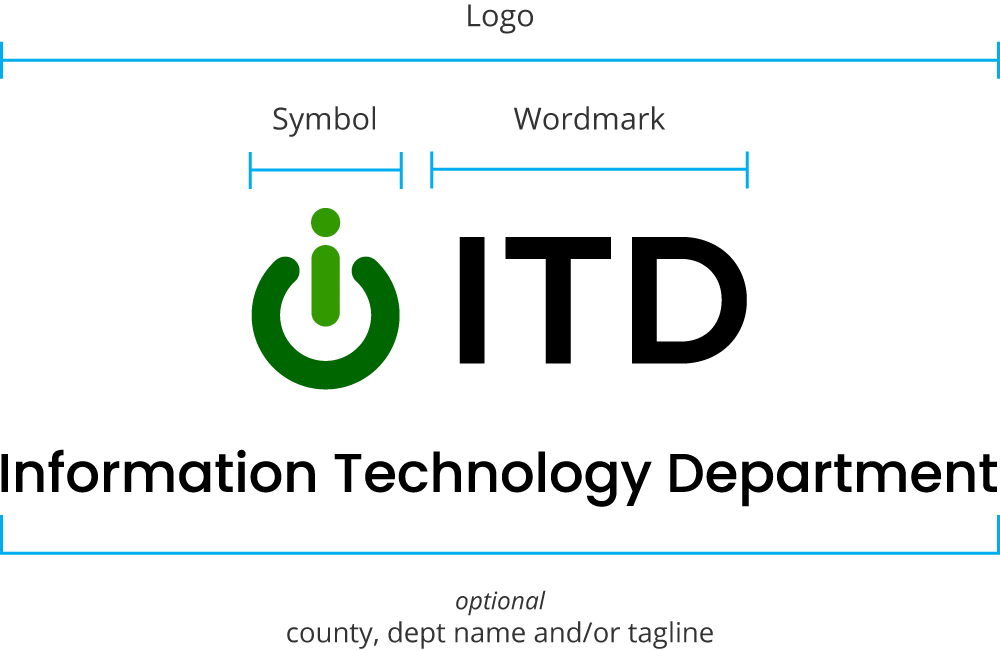
The Alameda County ITD Logo
This is the Alameda County Information Technology Department logo. It is the primary graphic device and should be the first choice when choosing a graphic element to represent the brand externally. It includes the department and county names, and tagline.
Stacked
Horizontal

Minimum Height of Symbol
Digital: 40 pixels
Print: .5 inches
The Alameda County ITD Logo – Variations
The following are approved logo variations that can be used as needed based on layout or design requirements, or whether the use is internal or external.
Core Logo


Minimum Height of Symbol
Digital: 40 pixels
Print: .5 inches
Other Variations







Subbrand Guidelines
Use the following convention when creating subbrand logos:
Set the subbrand name in lowercase using the Poppins SemiBold typeface.

For black version the subbrand name can be grey (#666666, CMYK: 59, 50, 50, 20)

Symbol Only

Digital: 25 pixels
Print: .3 inches
Logo Clearance
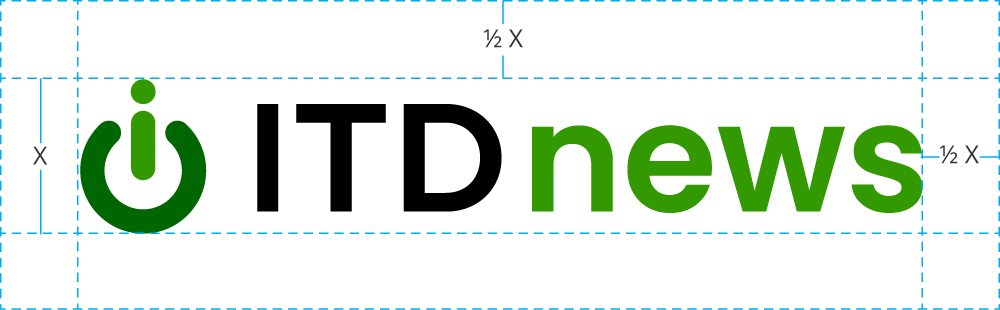
When using the logo in a design or placing it next to other visual elements, it should have plenty of room to breathe. This maximizes the visibility & impact of the logo. The minimum amount of space that the logo must have on all sides is ½ the height of the symbol.
For example: If the logo is sized 60px tall, there should be at least 30px of clearspace on all sides.
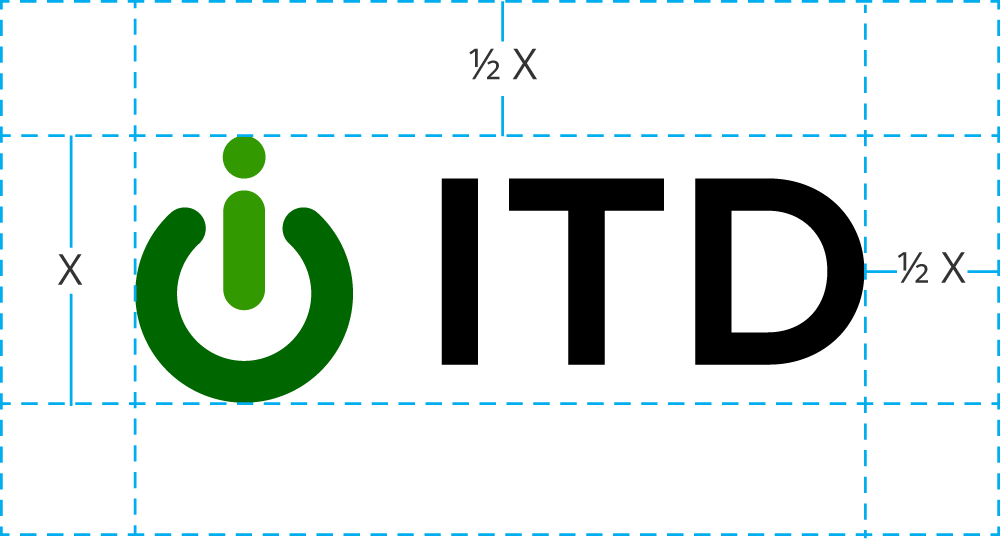
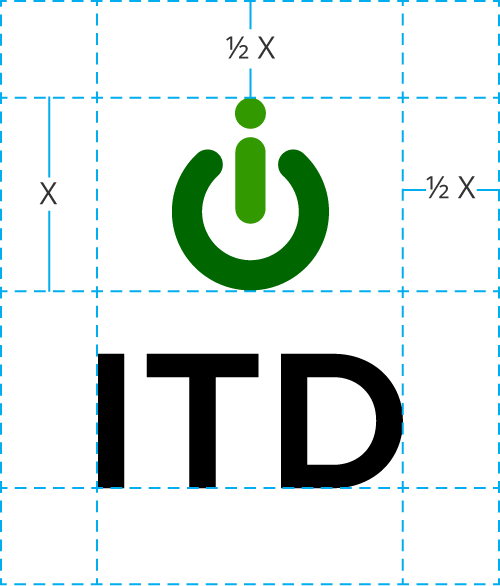
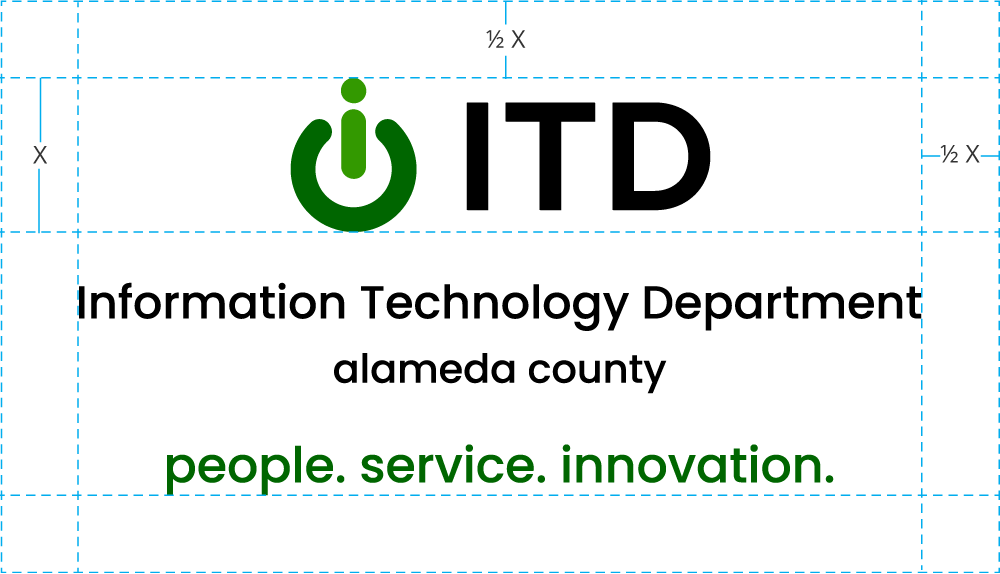
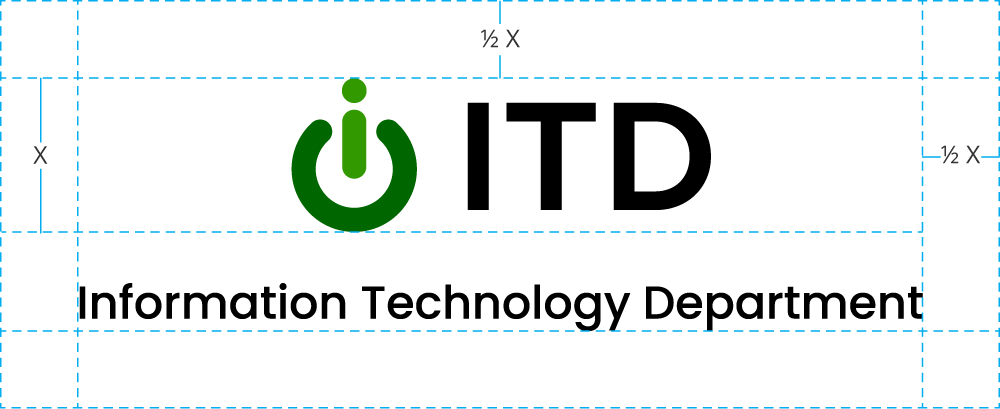
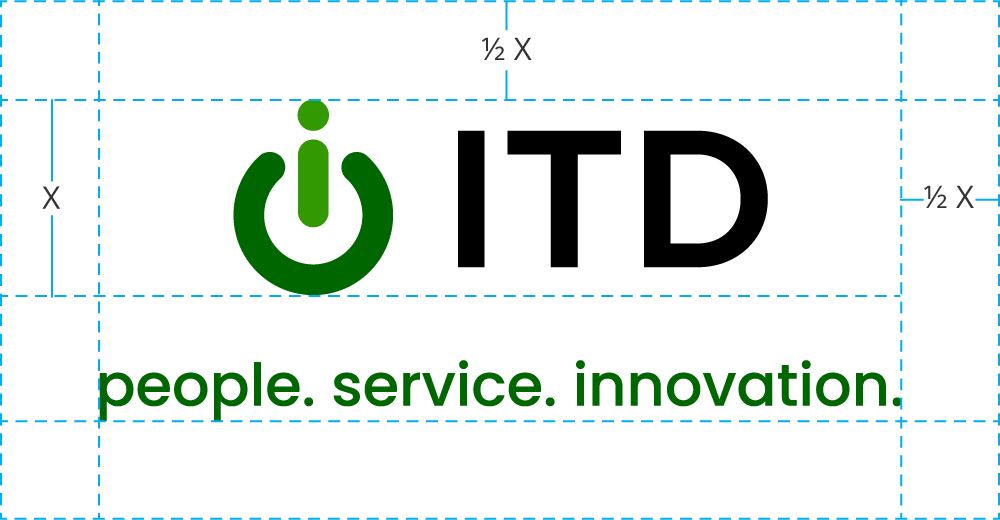
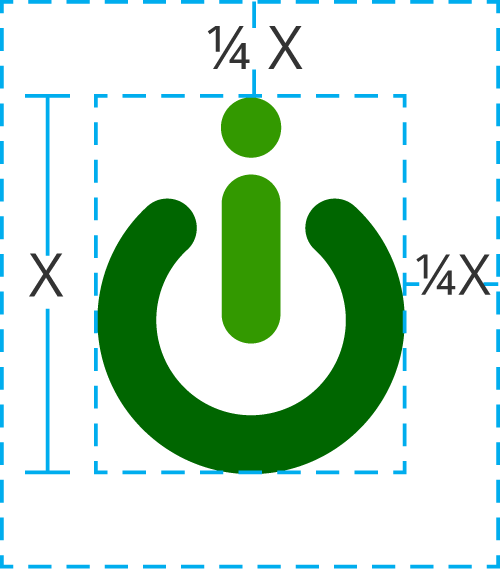
For example: If the logo is sized 60px tall, there should be at least 15px of clearspace on all sides.
Logo Margins
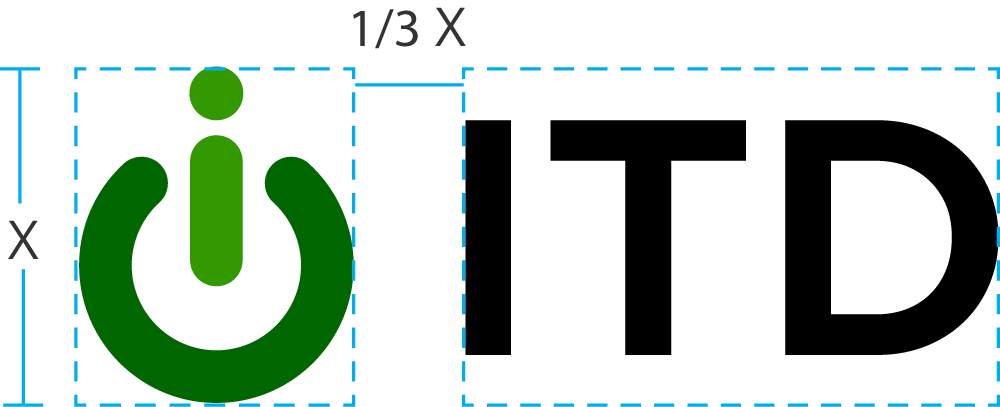
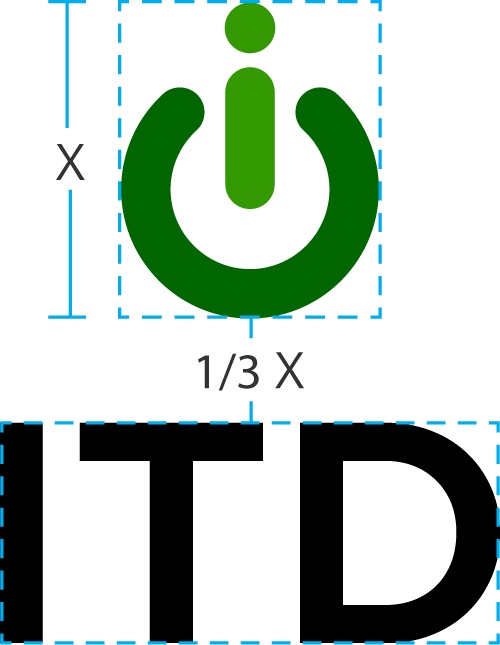
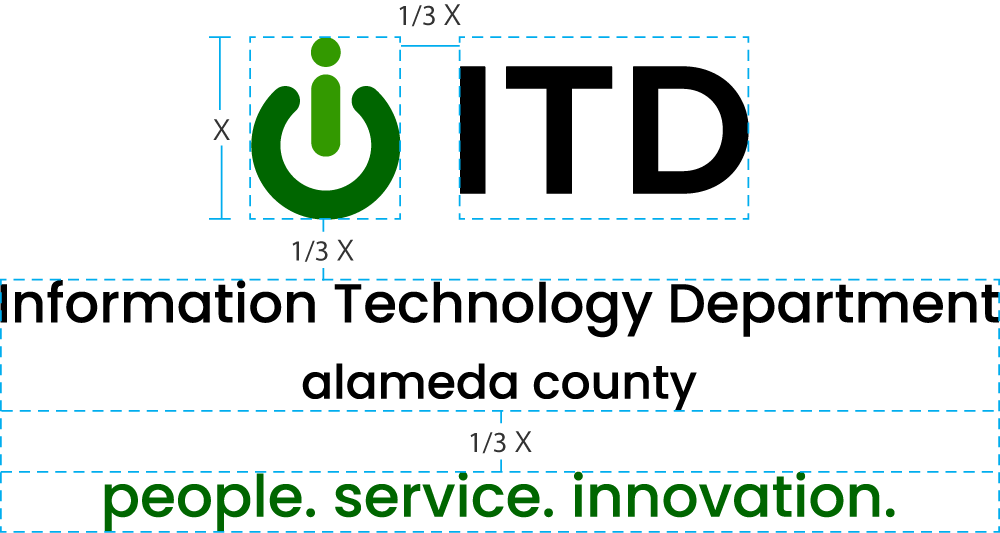
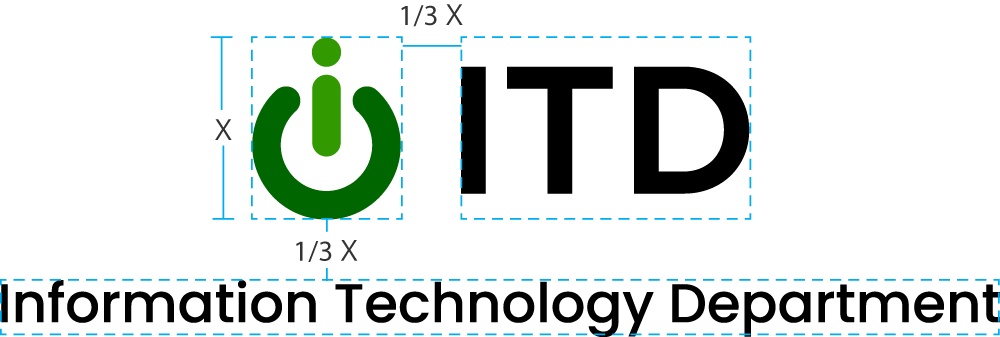
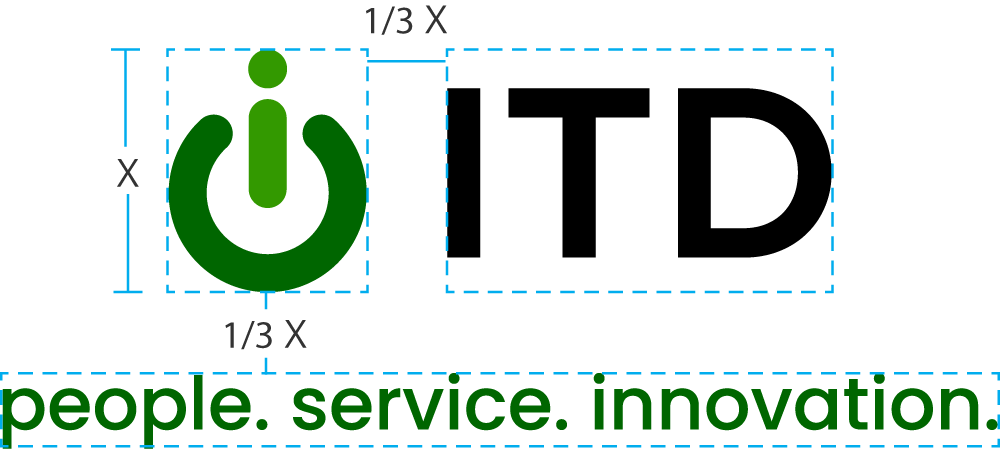
Do not alter the spacing between the symbol and the wordmark. The distance between the symbol and the wordmark is 1/3 the height of the symbol.
For example: If the symbol is sized 100px tall, there should be 33px between the symbol and the wordmark.

Color
Green is a key element of the brand and should be used consistently across all communications to maintain a cohesive identity. The symbol features two shades of green.
#339900
CMYK 80, 15, 100, 3
#006600
CMYK 88, 34, 100, 28
#000000
CMYK 75, 68, 67, 90
Incorrect Usage of Logo
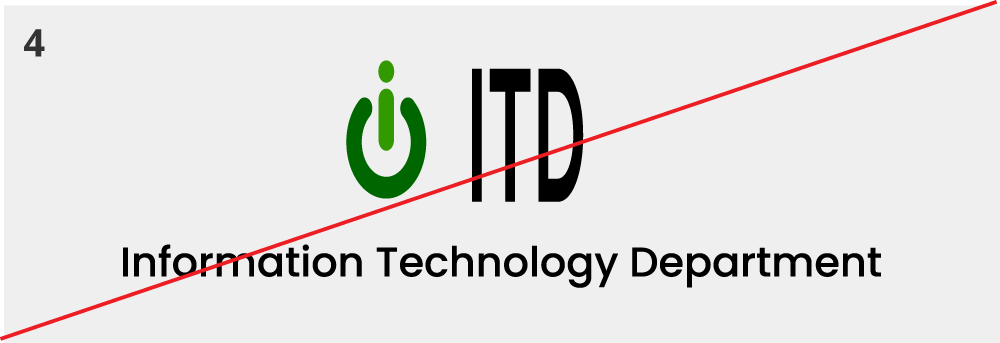
- Do not reverse logo.
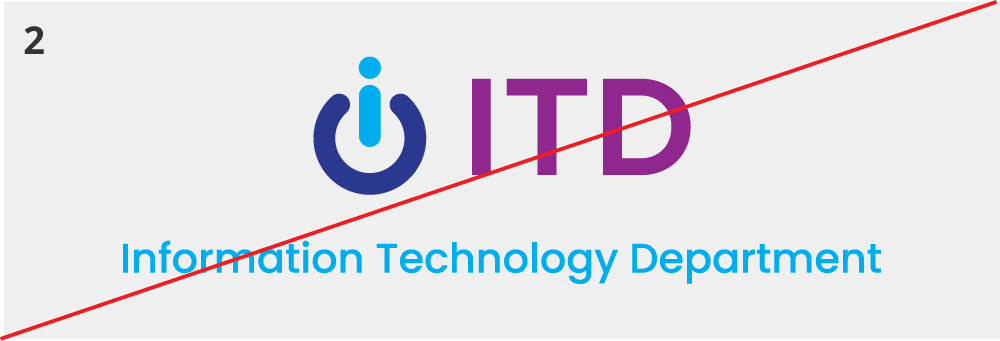
- Do not apply other colors.
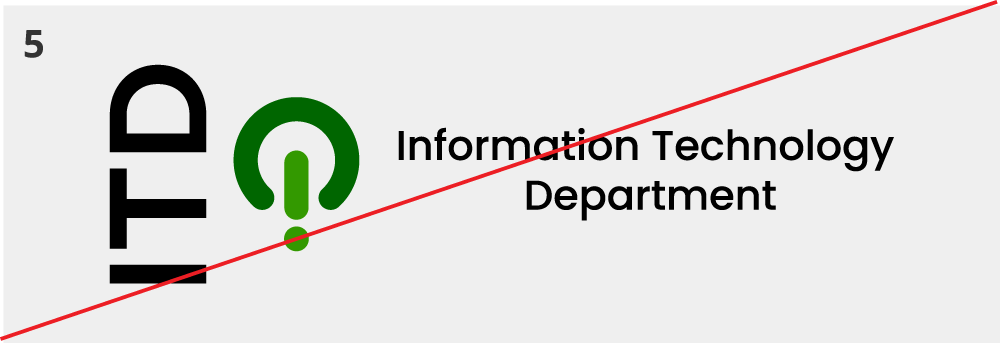
- Do not rotate any single part of the logo.
- Do not stretch or alter the proportions of the logo.
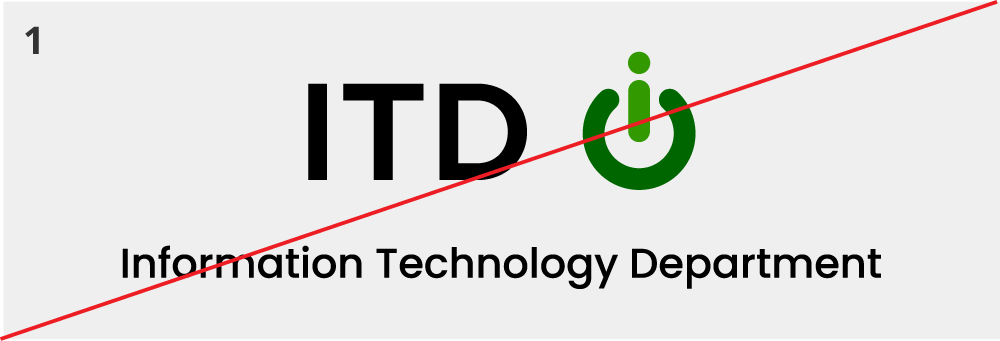
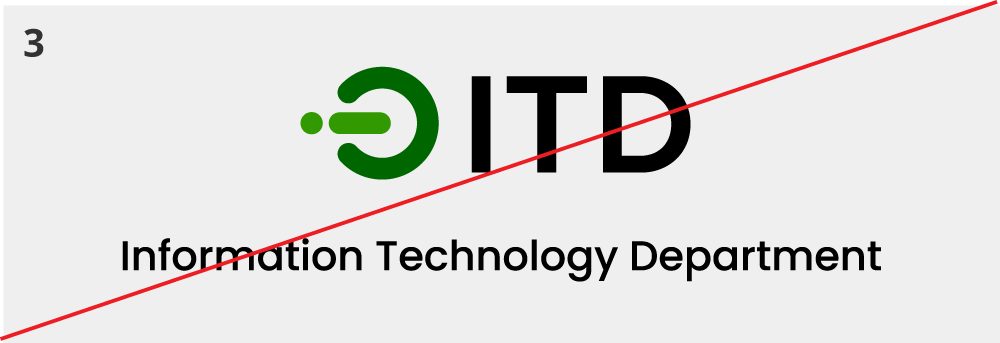
- Do not change the arrangement of the logo.
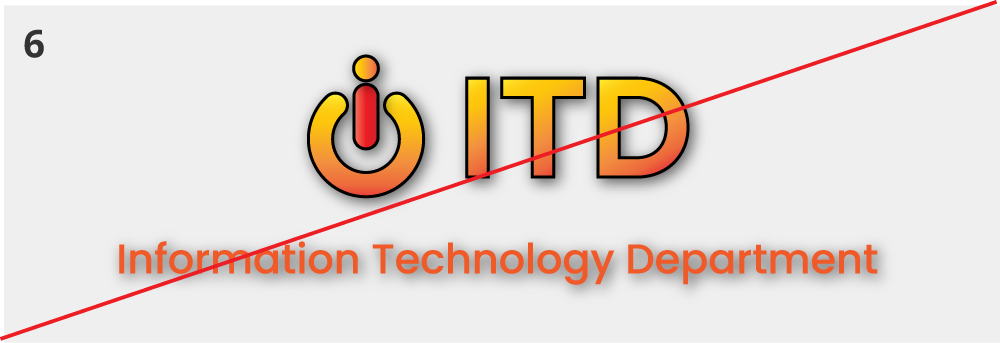
- Do not apply gradients, shadows, or other effects.
Black and White Logos
These should only be used when it is not possible to use color.


Digital Accessibility
Digital accessibility involves designing and building websites, tools and technologies that allow access to all visitors, no matter what their abilities or disabilities.
ITD follows the Web Content Accessibility Guidelines (WCAG) 2.1, which are international standards that define how to make web content more accessible. WCAG only requires logos to have text alternatives. However, even though logos are exempt from other WCAG guidelines, ITD still strives to create designs that are accessible to all users, including those with disabilities.

Our goal with accessibility isn’t simply WCAG conformance but to present the best possible experience for users.
The Alameda County ITD logo follows these accessibility guidelines:
- The wordmark exceeds the minimum color contrast ratio of 3:1
- The wordmark uses a sans-serif font which has a slightly higher readability than serif fonts
- The logo mark is not too visually complex
When using logos digitally make sure to include an alternate text attribute:
Alt Text
To comply with the WCAG guidelines always provide text-alternatives when using any logo digitally.
For example:
Logos with a hyperlink
Logos often function as hyperlinks, following the best practice of linking to the homepage. It is important to use appropriate markup in the html to make it accessible. The link element (aka anchor tag) supports the function of naming from child content. The logo image is the child of the link, and so the alt text of the logo will become the text for the link. To be a meaningful link, the alt text should describe where the link will go.
For example:
<img src=”images/logo.png” alt=”Alameda County ITD Homepage”></a>
If you are linking the logo in an older application or system that will not allow setting or changing the alt text of the logo image, you can fall back to using an aria-label attribute on the anchor tag. The aria-label attribute on an anchor tag will hide the child content (the image) from assistive technology and the aria-label value will become the text for the link.
For example:
<img src=”images/logo.png” alt=”Alameda County ITD logo, people. service. innovation.”></a>
If adding an aria-label is not possible, we suggest that you don’t place a link on the logo, and instead provide a text link.